EDIT: As of November 2025, API Calls to Endpoint: chat.freedomgpt.com/api/v1/chat/completions are now charged FNT, and mining has been suspended indefinitely. If you want something free, check out the Big Pickle or MiniMax models on OpenCode, they are excellent!
ChatGPT is getting pretty amazing, especially with the newer models like gpt-4o-search-preview which gets up to date answers from the web and is no longer limited to older models that could have years old data. The catch so far has been that if this is something that you want to use every day, you would need a paid subscription. But with the advent of certain third-party services, it’s actually possible to tap into this model and others like claude-3.7-sonnet, gemini-2.5-pro, grok-3-beta and more for free.
Sound too good to be true? Maybe it is, but at the time of this writing FreedomGPT is hosting all of these models and they can be queried directly, via the App or an API call for free. Since PowerShell is my favorite, I will be showing you how to do this with a simple API curl (Invoke-RestMethod) from command line any time you want tp.
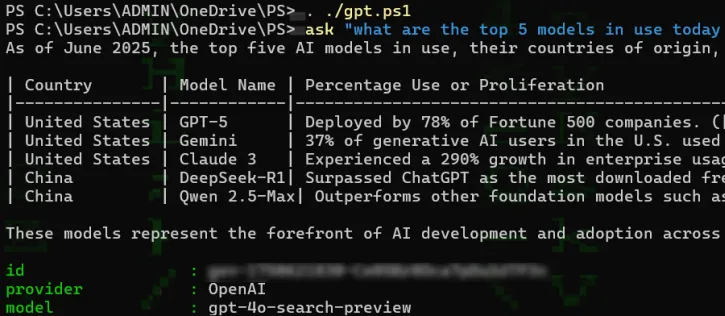
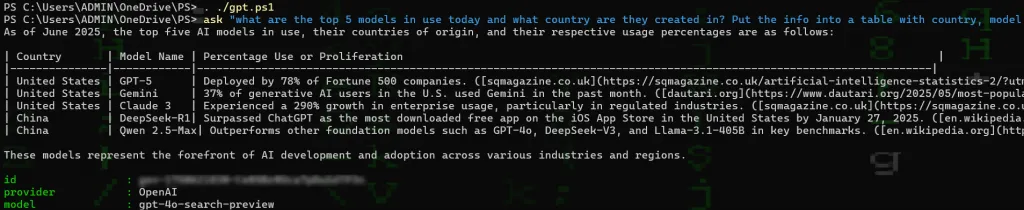
Here’s an example:
Who is FreedomGPT and should I trust them with my search queries and personal asks? FreedomGPT is a self-proclaimed uncensored Chat Bot that offers over 250 AI services, including the ones mentioned above. To use it, I would suggest installation of the Windows client. Note that in order to query the bot through the App, you’ll need credits which can be purchased or mined through a modified Monero (XMR) miner. I will also mention that you should have mixed experiences when sending queries through the desktop application VS. using the API method below – just go through the steps and you will see what I mean 😁. As far as it being safe, I feel your data is similarly safe with any other 3rd party AI company that identifies all of your queries with a username or an API key and sees incoming requests come in from specific IP addresses and other identifiable factors.
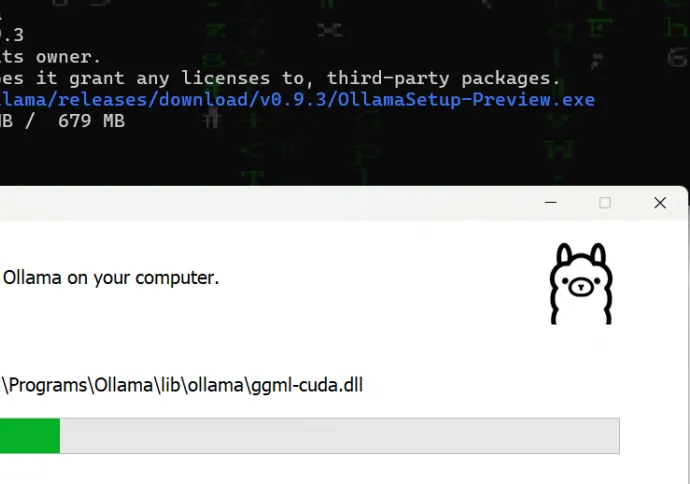
- Step 1: Go to the FreedomGPT website and install the desktop client
- Step 2: Go to Edge Network, turn on Mining Rewards AFTER clicking the Settings/Gear and changing –cpu-max-threads-hint to 50, this ensures your PC is not maxed out minging – FreedomGPT uses a modified version of xmrig to mine FNT which can be converted to credits
- Step 3: Mine for a minimal amount of time, you shouldn’t need too many tokens (FNT) if you use the API mentioned below
- Step 4: Generate an API Key, you will need it to query the API via REST
- Step 5: Convert FNT to Credits – this is done in the Edge Network section under “Convert FNT to Credits”
Once you have your API key and a few credits available, proceed to create and save the script below, perhaps as gpt.ps1:
# Chat FreedomGPT PS/Bash Query v0.0.2
# API Ref: https://docs.freedomgpt.com/api-reference/models/get
# OpenAI Ref: https://openai.com/api/
# www.azuresupertech.com

function chatModels {
    ## MODELS ##
    $apiKey = "fgpt-1111111-1111-1111-1111-111111111111"
    $headers = @{
        Authorization = "Bearer $apiKey"
        "Content-Type" = "application/json"
    }

    $response = Invoke-RestMethod -Uri "https://chat.freedomgpt.com/api/v1/models" -Method Get -Headers $headers
    $response
}

function ask {
    Param (
        [Parameter(Mandatory = $true)]
        [string]$ask
    )

    ## Headers and Key are always the same ##
    $apiKey = "fgpt-1111111-1111-1111-1111-111111111111"
    $headers = @{
        Authorization = "Bearer $apiKey"
        "Content-Type" = "application/json"
    }

    $bodyWeb = @{
        model = "gpt-4o-search-preview"
        messages = @(
            @{
                role = "user"
                content = $ask
            }
        )
        tools = @(
            @{
                type = "tool"
                function = @{
                    name = "web_search"
                }
            }
        )
        tool_choice = @{
            type = "function"
            function = @{
                name = "web_search"
            }
        }
    } | ConvertTo-Json -Depth 10

    ## CALL ##
    $response = Invoke-RestMethod -Uri "https://chat.freedomgpt.com/api/v1/chat/completions" -Method Post -Headers $headers -Body $bodyWeb
    $response.choices.message.content
    $response.choices.message.content >> gpt.log

    $content = $response.choices.message.content
    $content = $content -replace '\*|#', ''
    $content = $content -replace '\?utm_source=openai', ''
    $content
}
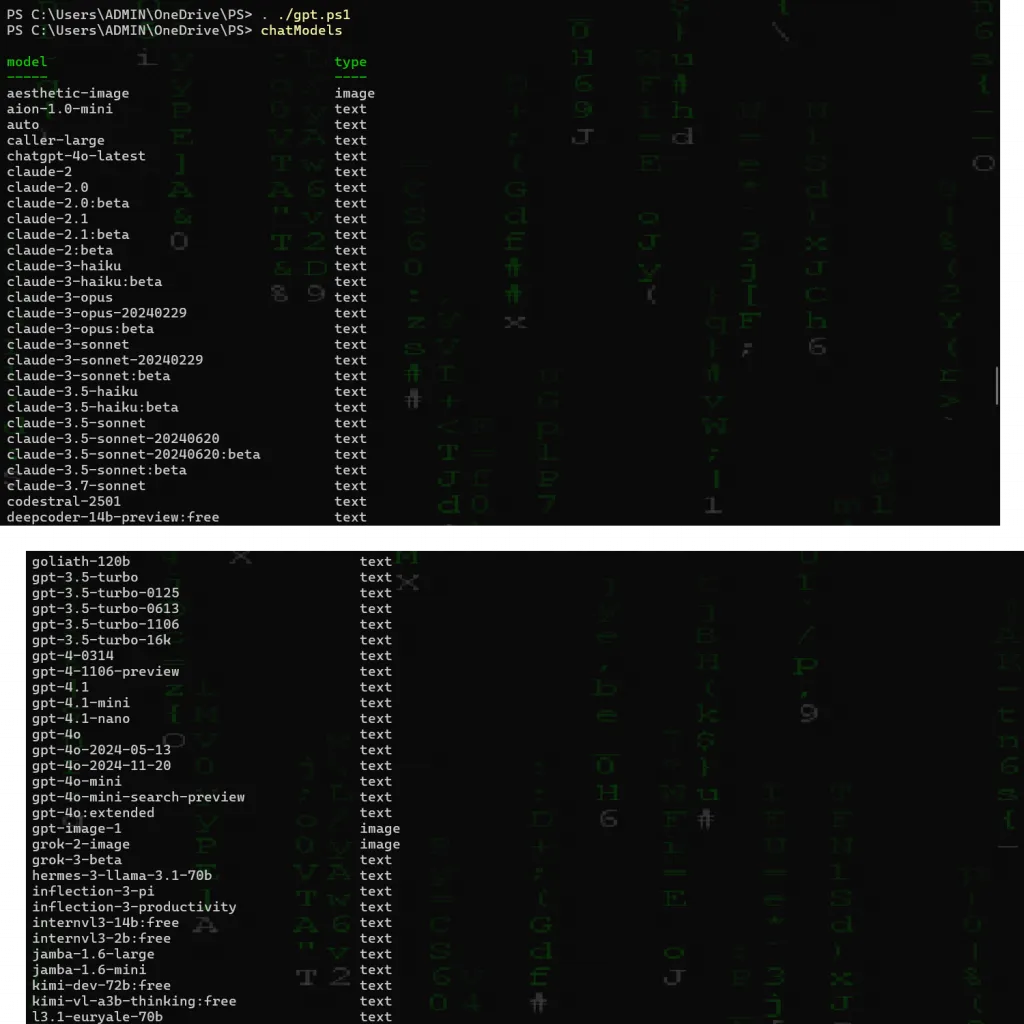
We have two functions here: chatModels, which will list all available models you can use and ask. This allows you to type simple questions directly into PowerShell, after loading the script into memory via . ./gpt.ps1
For Example:
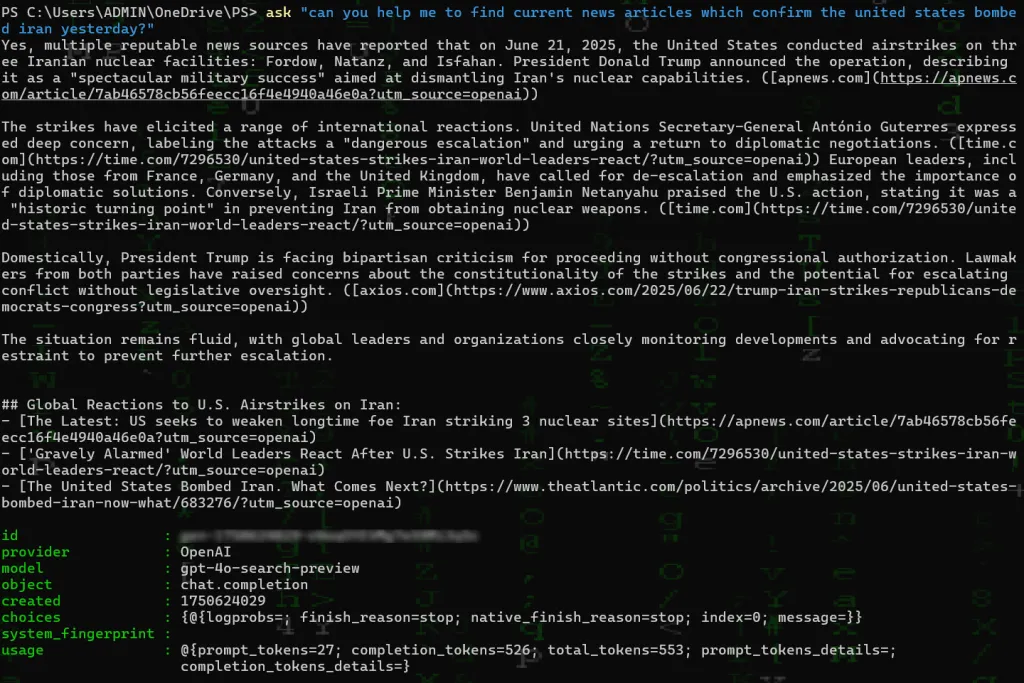
And one last example of another question using the ask function:
Why no GPT5 Search?
Let’s ask and see what gpt-4o-search-preview says:

If you want to use another model, just change it in the json section under:
$bodyWeb = @{
model = “gpt-4o-search-preview”
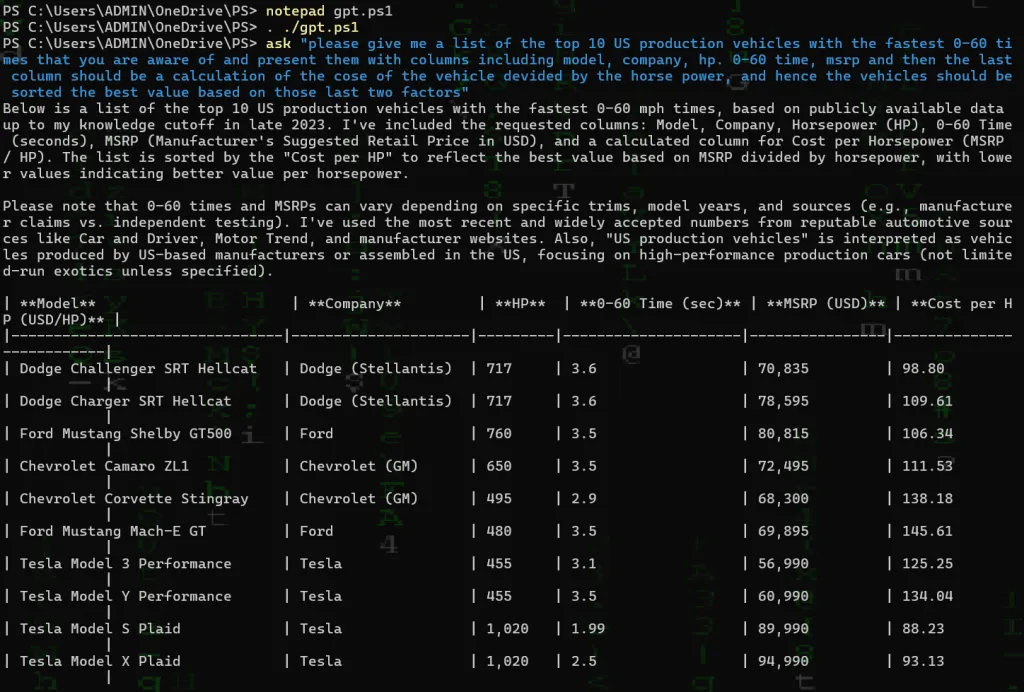
For example, we can try “grok-3-beta” and remember to reload your functions after making any changes to the script via . ./gpt.ps1:
…
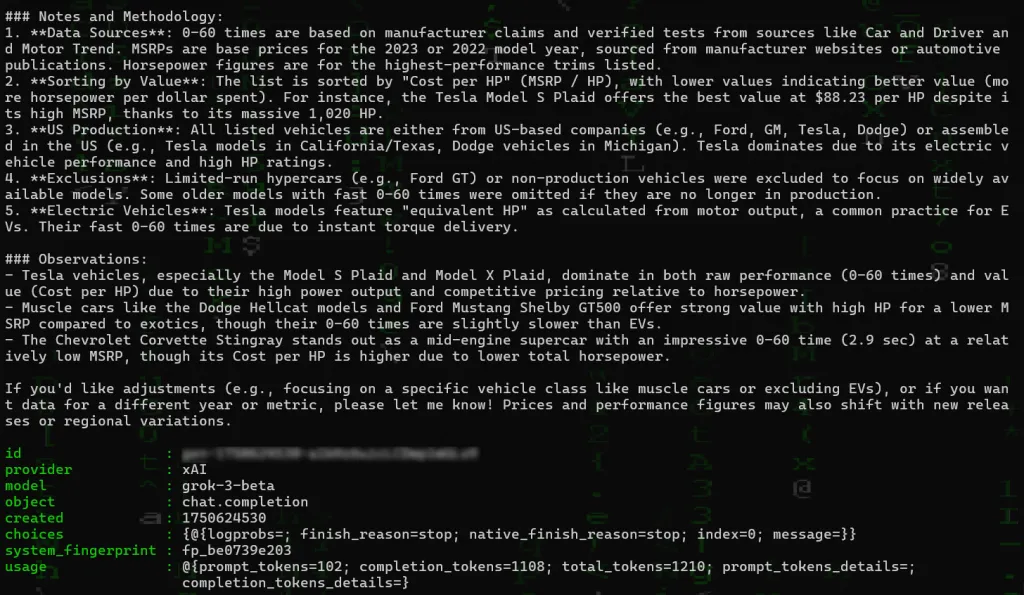
We can see the results here are very good, but also limited to data from 2023, and hence if we switch our model back to gpt-4o-search-preview and ask the exact same question; we should see up to date car models including the Lucid Air Sapphire and Chevrolet E-Ray which is a 2024 model year vehicle.
Try them all out and tell us what you think!